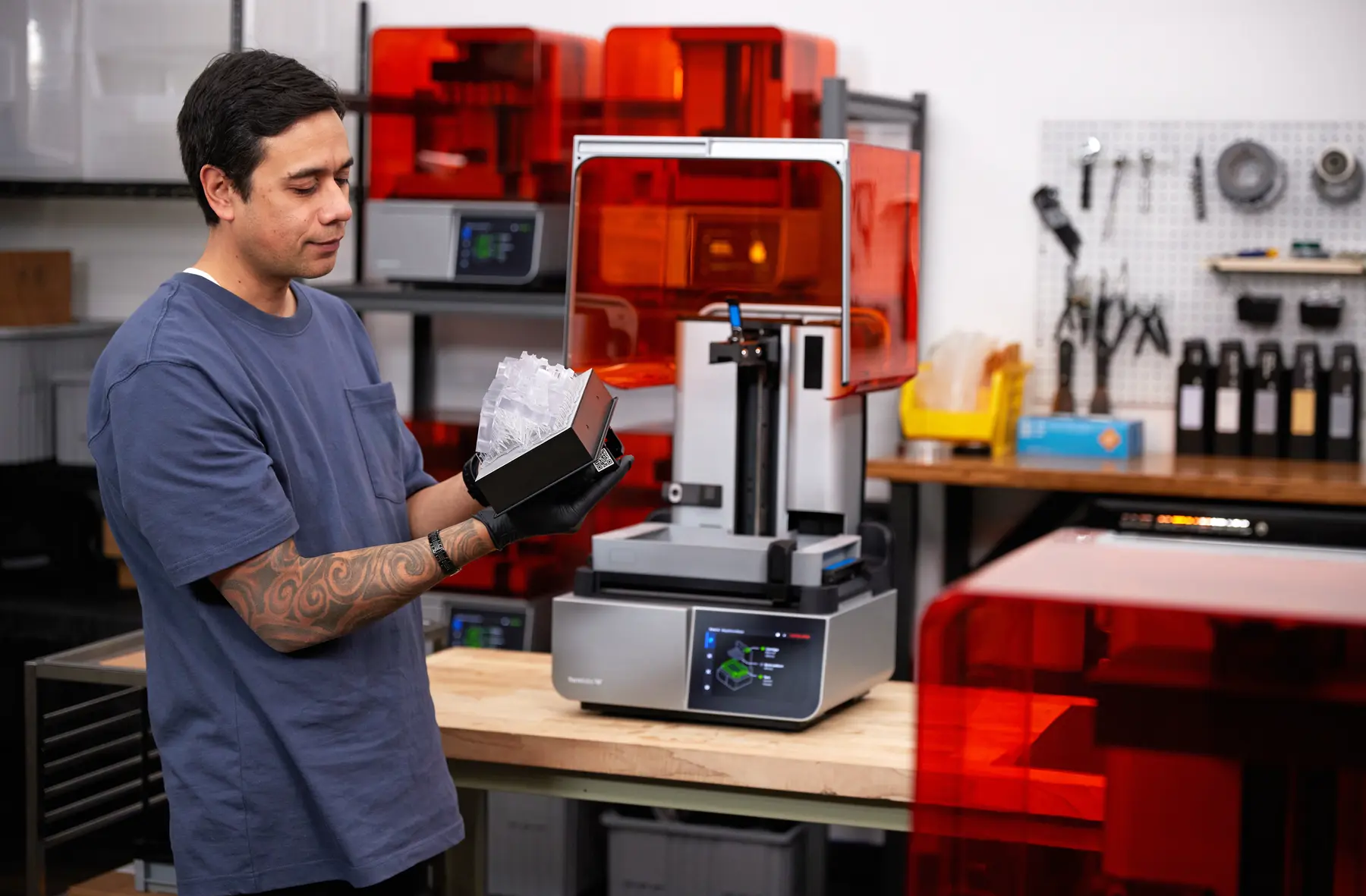
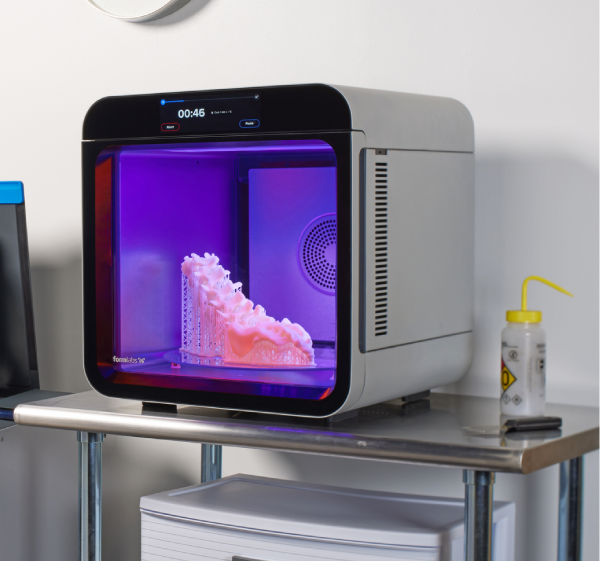
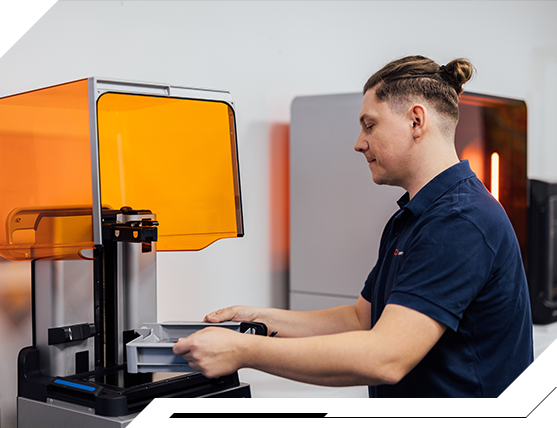





Formlabs Form 4BL 3D Printer

Precise and fast 3D printer for dental and medical applications


Build chamber
353 x 196 x 350 mm
Software
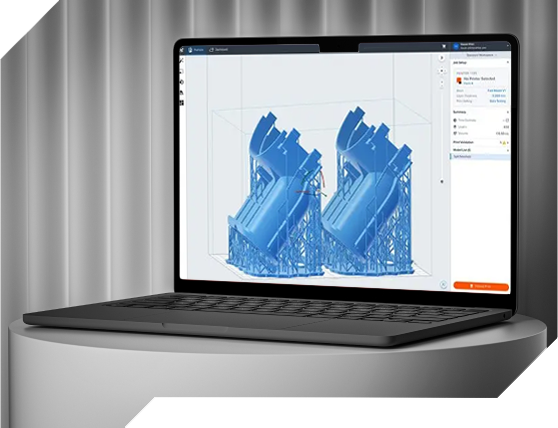
PreForm

Layer height
25 to 200 microns

What are the applications of the printer
and where will it serve best?

For whom?

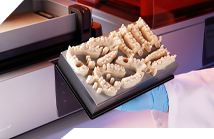
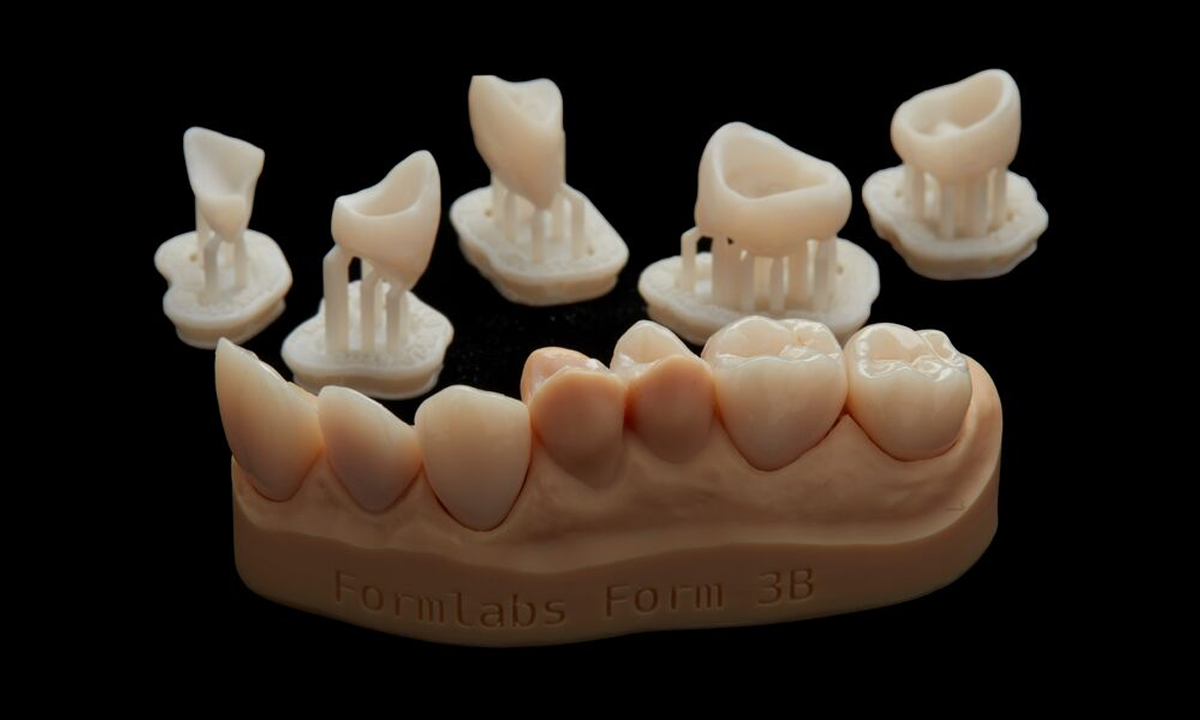
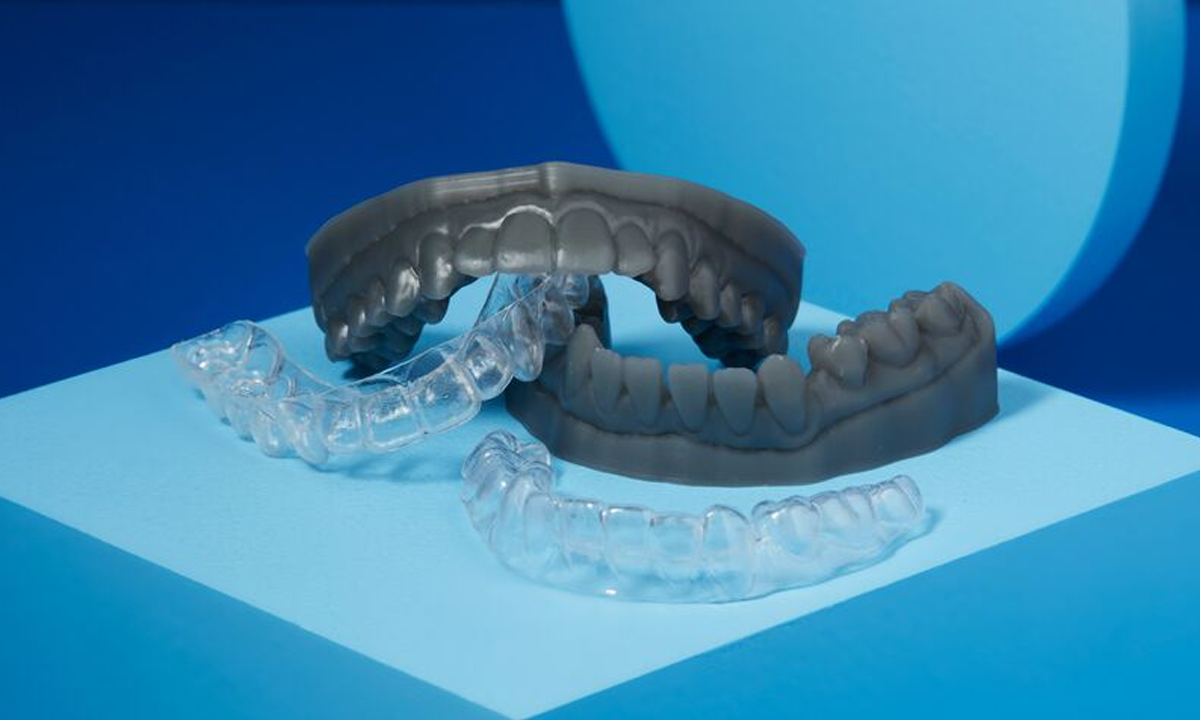
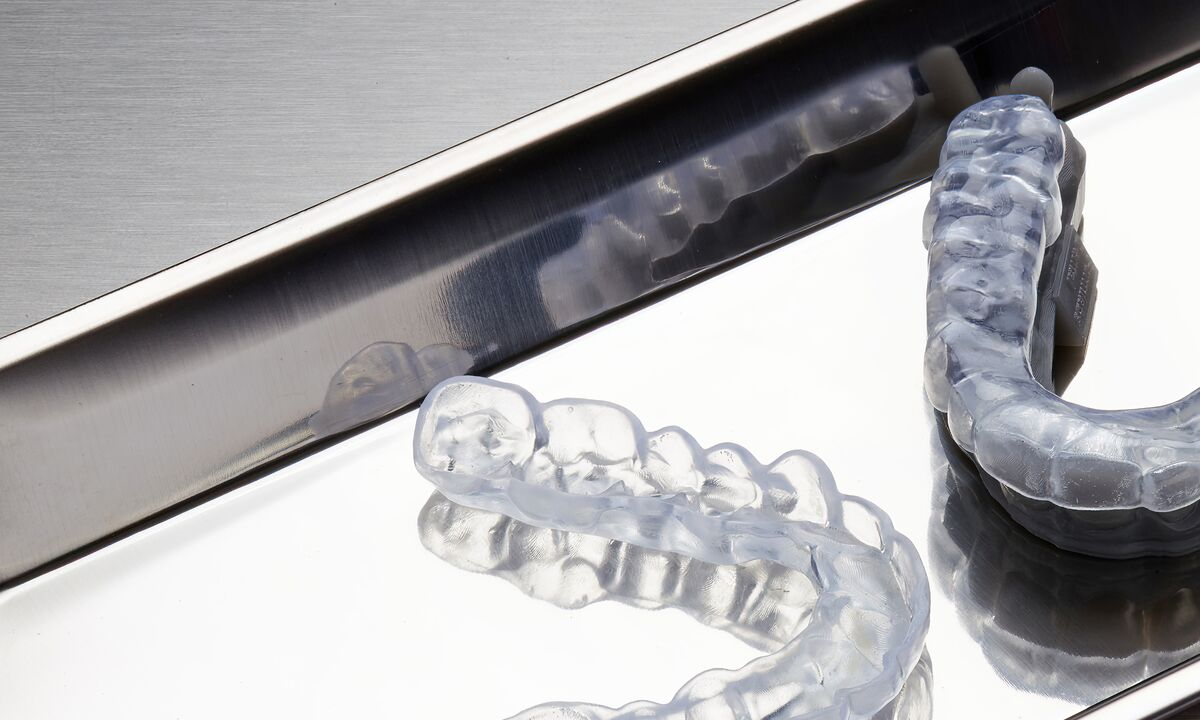
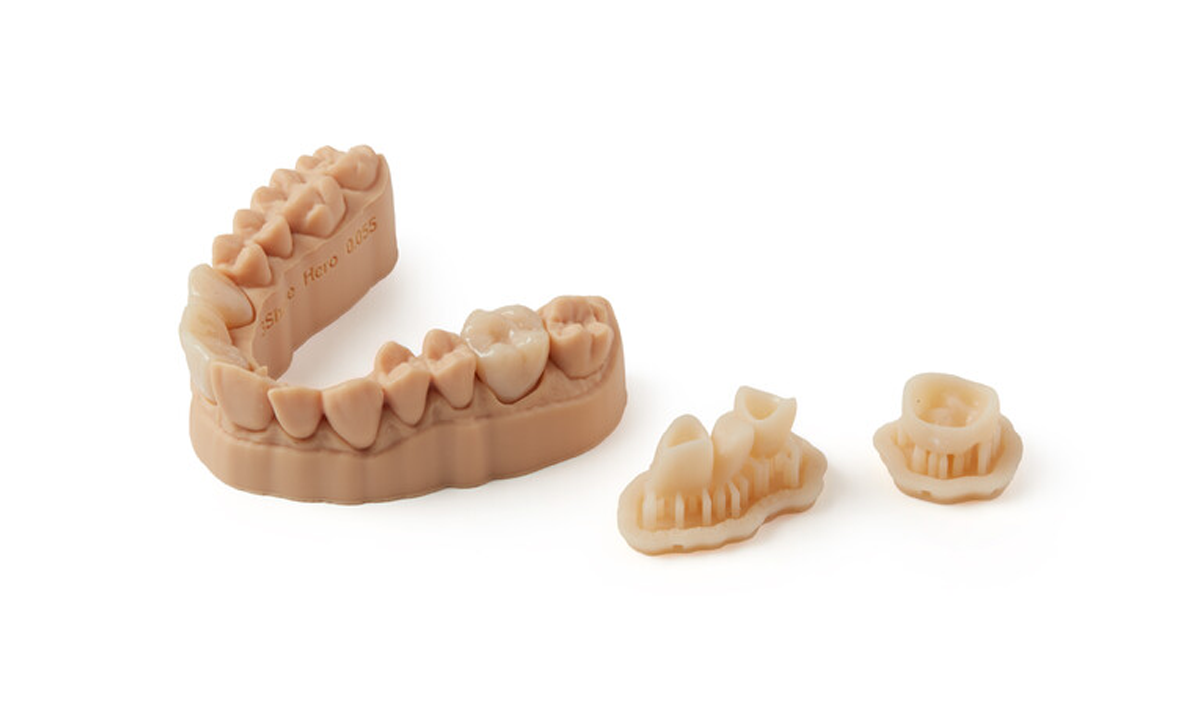
We know that modern dentistry and medicine need to expand the ability to create models, crowns, surgical templates and prostheses. What counts are solutions with printing precision, availability of biocompatible materials and speed of equipment.

What demand?

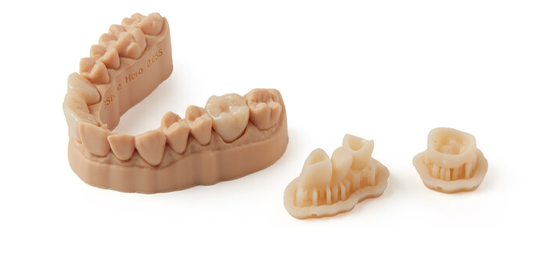
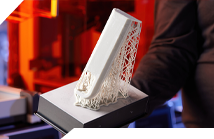
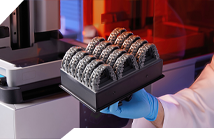
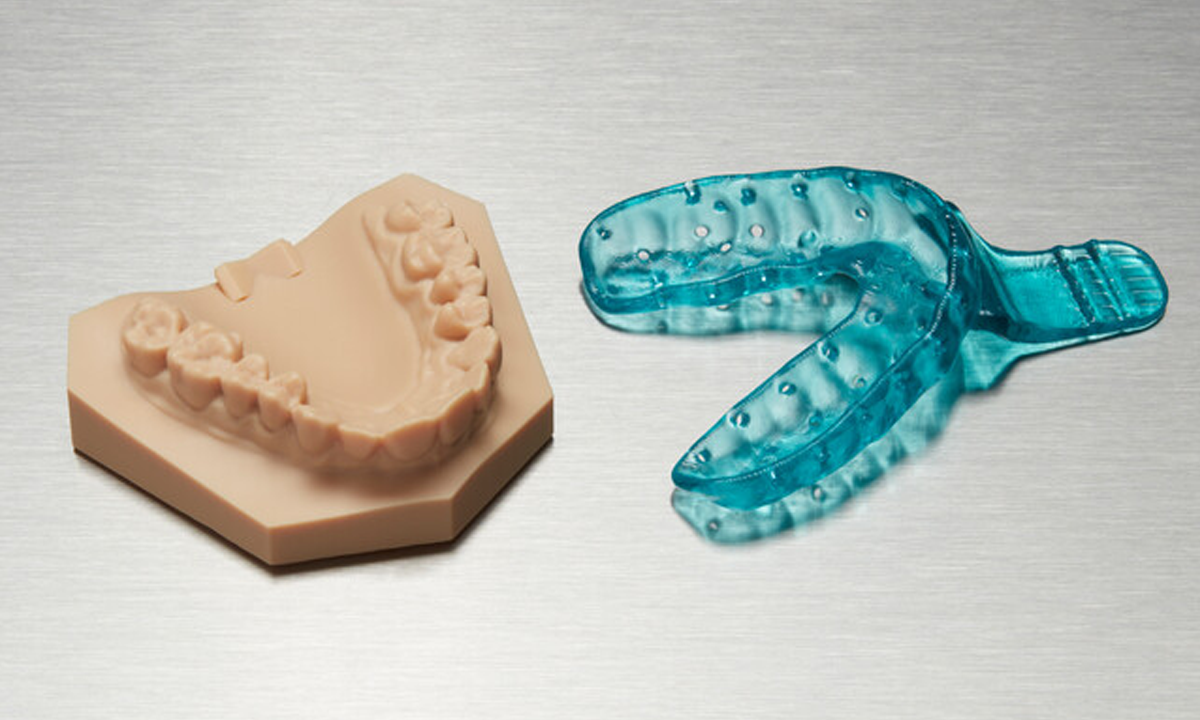
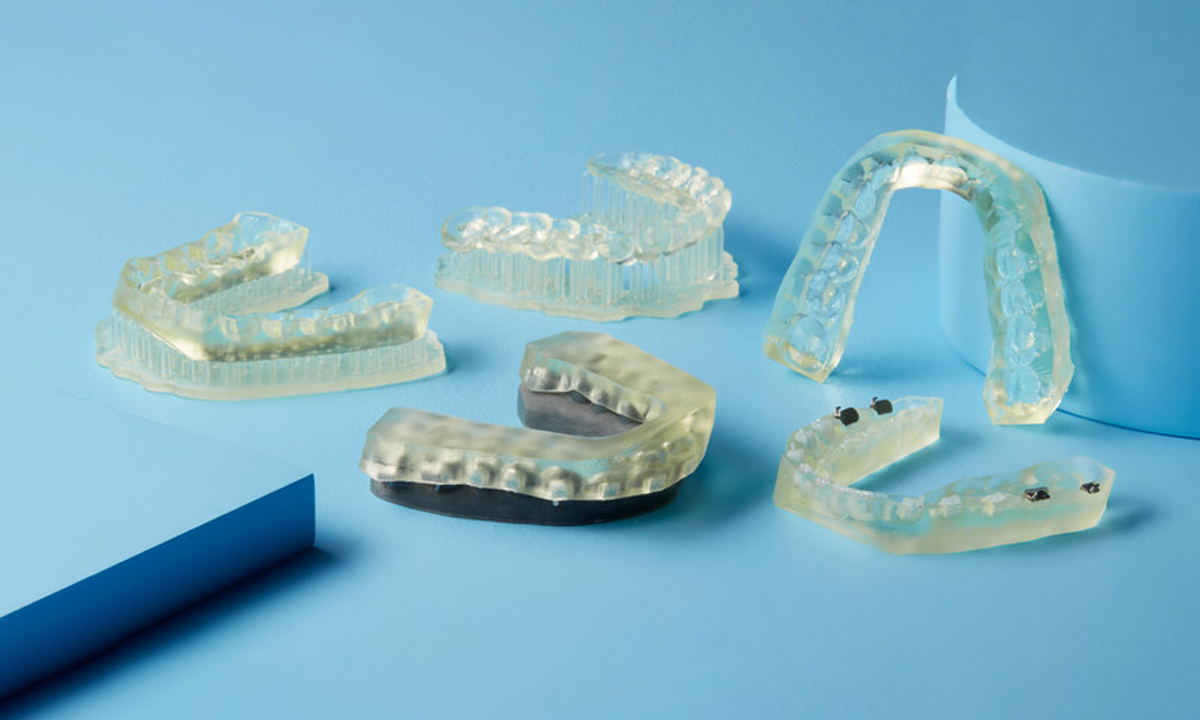
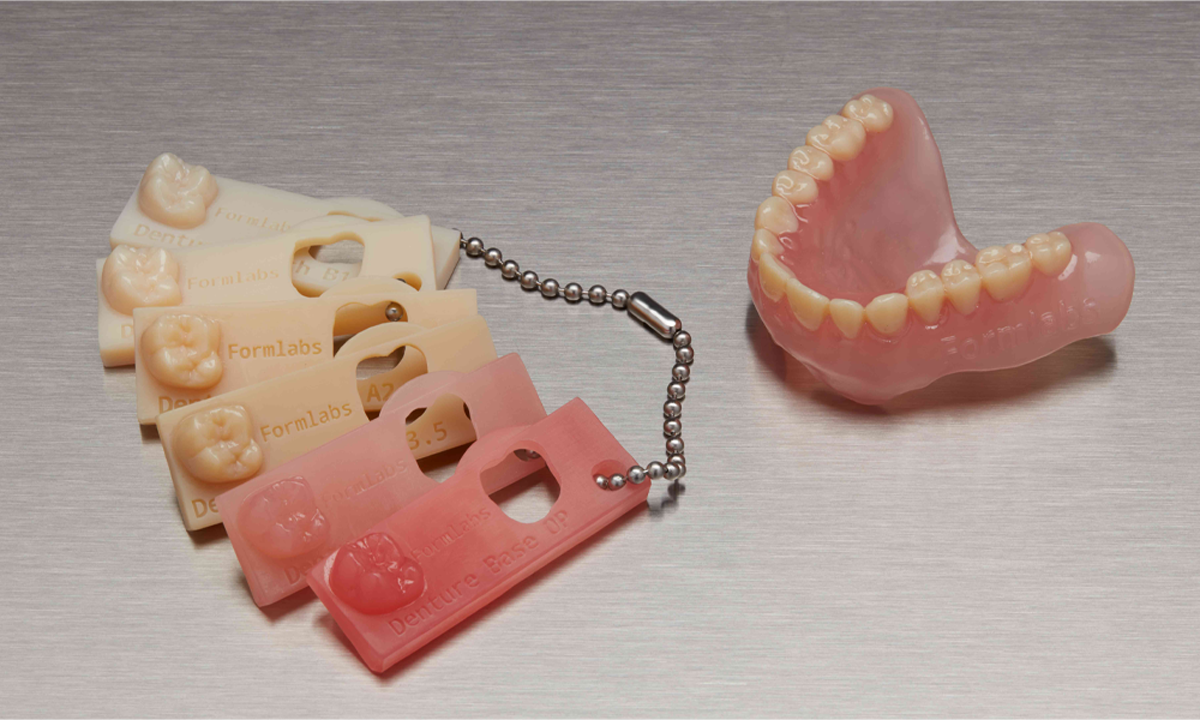
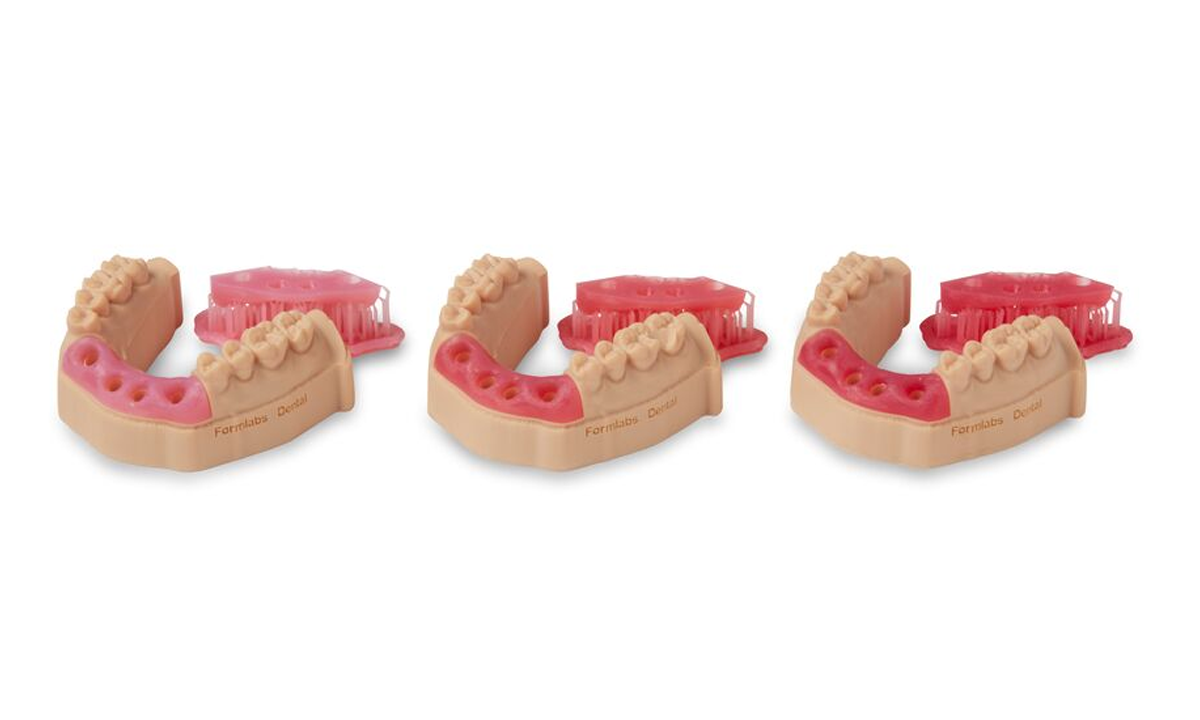
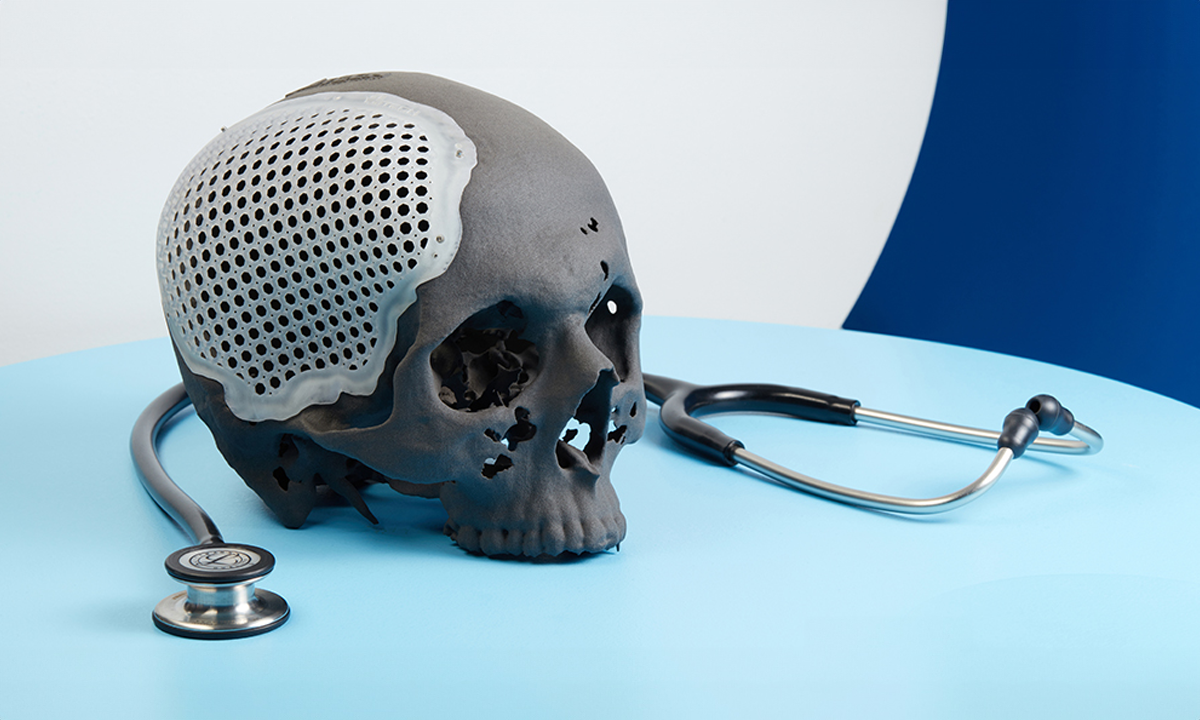
The Formlabs Form 4BL printer is the answer created specifically for dentistry. Thanks to the improved LCD screen technology patented as Low Force Display, it becomes possible to print precise models, prosthetics and spare parts for medical devices on a large working field.

Prints from a range of biocompatible resins like BioMed Durable, Flex and Elastic are characterized by very good performance. They are certified for tissue contact and show high durability.

In what industries?

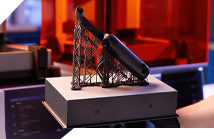
Form 4BL is used by industries such as dental, medical, electronics, and foundry. It has all the features of Form 4L with additional advantages specifically for dental/medical.

  • Dentistry
  • Medicine
  • Manufacturing
  • Appliance and electronics manufacturers

Why Formlabs Form 4?

  • The Formlabs Form 4BL is a high-precision 3D printer well suited to the needs of dentistry. It will work well for printing models, implants and bioprocessing devices.
  • Unlike cheap Chinese equivalents, the Formlabs Form 4BL does not generate hidden costs: rejected prints due to defects, difficulties in servicing, time needed each time to adjust settings. Usage costs can be reduced by up to 80%.
  • Form 4BL works with modern LFD resin technology, where a 46-micron pixel LCD screen is used for photopolymerization. This achieves print accuracy and surface smoothness.
  • When working with Form 4BL, you have reliable and eco-friendly resins at your disposal. You can use materials developed by Formlabs specifically for LFD printers, while at the same time you can also have access to third-party materials.
  • Even at the design stage of the part, you are able to predict the printing time, and material savings and production continuity are guaranteed by peripheral devices like resin feeders and extensive material pump containers.
  • Printing on Form 4BL is ultra-fast and you will fit in 6 hours with most prints.
  • Form 4BL gives you access to engineering-proven prints. You can produce parts with electrostatic properties (electronics), temperature resistant (foundry), smooth surface or high elasticity.

What benefits and key advantages does the printer bring?

Technical benefits:
1

Immediate transition between the design and production phases

2

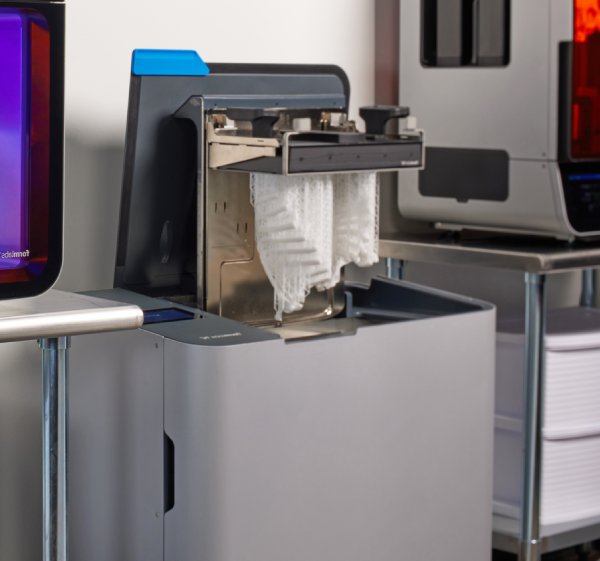
Easy post-processing – dedicated Form Wash L and Form Cure L print cleaning and curing equipment

3

Easy to use and short training

4

Print accuracy of up to +/- 0.02 mm with layer heights as low as 25 microns (for Castable Wax resin)

5

Speed of production of elements – up to 6 hours!

6

A wide range of light-curing resins from Formlabs

7

Remote print surveillance – camera and online control

8

High durability of the device – the warranty covers 12 months with the possibility of extension

Key advantages of the Formlabs printer:

01

With basic resin printers, printing takes more time. Formlabs offers setup templates to speed up the workflow and does not require mastering complex configurations in software.

02

The materials used in Form 4BL are described in detail in the material sheets, and the range is constantly being developed. You will be able to find a material for every need.

03

Are you worried about the complexity of the 3D printing process? If you’re at the beginning of your journey when it comes to operating the printer and configuring print settings, the Form 4BL won’t cause you any additional work. Equipped with many accessories, the plug & play device has a clear interface and intuitive software for operation. It requires only a short training course, so that you won’t have to invest extra to start production!

04

When you invest resources in a machine, do you want to be sure that any repair will take place at an authorized service center? We are in constant contact with Formlabs and make repairs using authorized parts and methods.

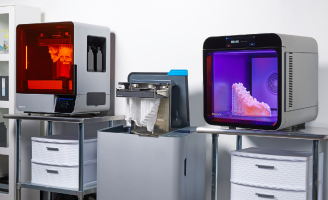
Ecosystem Form L
Wash L and Cure L devices

Will I be able to train my employees after purchasing the printer?

Yes, we won’t leave you alone. Along with each printer, we offer training for employees on how to use the device.

Business benefits

What will you gain by implementing Form 4BL in your company?

  • You will print parts with complex geometries like implants, crowns and bridges.
  • You will print larger quantities of models without subcontracting.
  • Full digitization of the laboratory.
  • Fast production of small parts – as little as 10 minutes to a finished single model!
  • You will implement continuous work in the laboratory – saving time and human resources.
  • You will accept more orders and patients.
  • door to door service – your machine will be taken care of by our team of certified and experienced engineers. We are present in different regions of Poland and will perform the repair at the site of your company, without worrying about prolonged machine downtime.

Is the Formlabs printer faster than cheap counterparts?

LFD technology is a patent from Formlabs. In all simulations, LFD proves to be faster than the competition. Print without worrying about lost time!

3D printer comparison. Universal user guide

We know that our customers need reliable 3D printing information and printer comparisons in their purchases. When it comes to making a substantive case for a purchase, breadth and precision of insight is important.

With this in mind, we created “3D Printer Comparison. A Universal User’s Guide.”
Our guide will help you in the decision-making process. It’s a useful resource that you’ll be able to present to a board of directors or before a purchasing committee. It helps you evaluate technologies and 3D printers against a number of useful criteria.

What do I find in the guide?

  • Descriptions of the characteristics of 3D printing technology
  • Comparison of 3D printing technologies
  • Comparison of 3D printers from different manufacturers by market segment
  • Case study of 3D printer purchase

    What kind of return on investment (ROI) can you expect from implementing this printer?

    The Form 4BL printer offers a favorable return
    on investment:

    • For parts with complex geometries. 3D printing has no technical limitations of machining. There is no need for a separate CAM design (machine operation) and the constant presence of an engineer to manufacture the part.
    • When you need 3D printing in materials with different properties. Biocompatibility will not be a problem with Formlabs' dedicated materials.
    • when you need resin printing of larger parts or more models at once.

    Example of return on investment for the production of single temporary crowns.

    In-house 3d printing
    5 PLN
    10 minutes
    Outsourcing
    50-100 PLN
    1 day

    The Formlabs printer offers too low a return on investment relative to using a 3D printing service.
    What should I do?

    To implement an in-house printer is to become independent of the supplies, logistics and deadlines of subcontractors. It is also worth including indirect benefits in the calculation of the investment.

    Financing
    and printer leasing

    We work with several partners to obtain financing for your projects. We will show you where you can go to find support and get funding with simplified procedures and maximum customer care. We will help you buy and implement very quickly.

    Leasing is the optimal solution for businesses. With no one-time investment, the device works for you from the beginning and you can treat the installments as a tax-deductible expense.

    Ask us about financing options for your printer

    Customer Situation Analysis and Printer Service

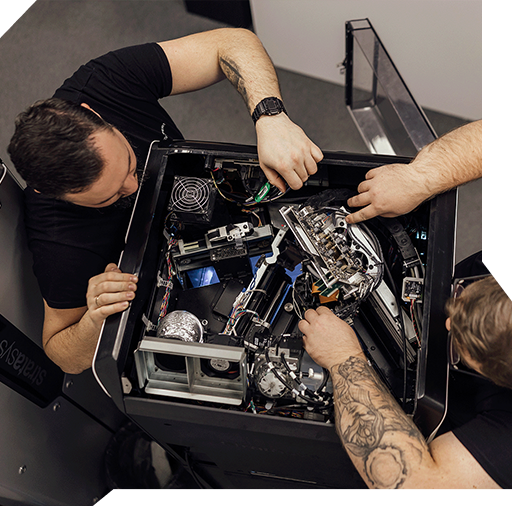
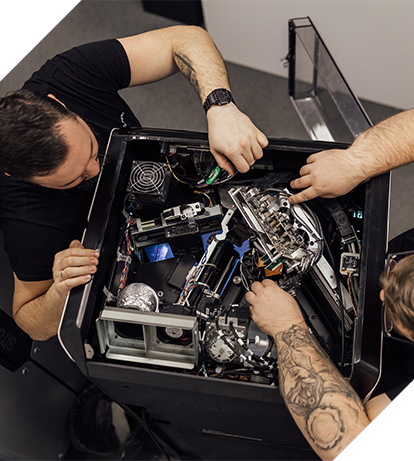
    At CadXpert, Formlabs’ certified engineers provide warranty care for equipment throughout its lifetime. There is no need to use foreign, non-responsive service centers.

    We assign an individual Service Consultant to each customer to answer your questions.

    You will be able to get in touch at any time about the operation of the device and get the missing information.

    Our implementation consultants, as part of the initial application audit, will help you find additional applications for your printer so that you can realize the full potential of the device.

    I don’t know how I can use a 3D printer in my industry.

    We will send a consultant to your factory to review possible 3D printing applications and audit the applications for the printer.

    Technical parameters of the printer

    Download detailed technical specifications for the Formlabs Form 4L printer.

    Formlabs Form 4BL
    Build chamber
    353 x 196 x 350 mm
    Materiały
    Dental and biocompatible
    Software
    PreForm
    Layer height
    25 to 200 microns
    Special feature
    dedicated accessories

    What materials are supported by the printer?

    For the Form 4BL printer, Formlabs has prepared engineered resins for use in LFD technology. Here are some examples:

    Clear Resin V5
    White Resin V5
    Fast Model
    Precision Model
    Grey Resin V5
    Black Resin V5

    For a complete list of materials available for the Form 4BL printer, see the technical specifications.

    Want to read more about the materials used in different technologies?

    Does the Formlabs printer need special space conditions to work?

    Formlabs printers do not need special rooms. You don’t need to create additional ventilation ducts or build exhaust hoods. This is equipment that will work in any production space.

    Comparison of Form 4B and 4BL printers

    Form 4BL’s capabilities are tailored to meet the needs of series production of models.

    The Form 4BL is your ideal tool for exploring new 3D printing applications. The Form 4BL combines ease of use with biocompatible materials and printing speed.

    PreForm Software

    Learn about PreForm software.
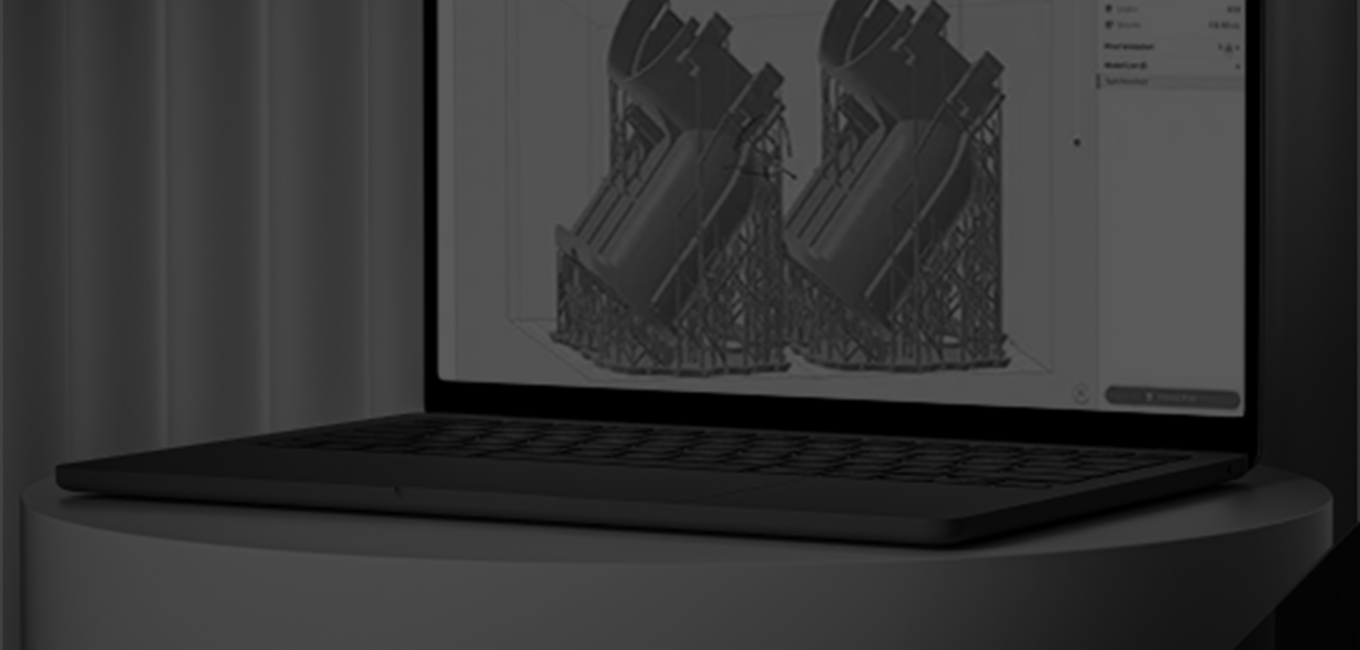
    Prepare and optimize your design for perfect printing.

    Why does PreForm work well with resin 3D printers?

    • Automatically set print parameters and keep them in templates
    • Full range of project editing features
    • Print queuing
    • Control over material consumption
    • Estimation of printing time and cost
    • Support for STL and OBJ files

    Download PreForm for free

    Fill out the form and you will automatically receive a link to download the full version of PreForm software from Formlabs.

      Test the software and do your own item estimation with PreForm

      Is there an additional charge for the PreForm software?

      The PreForm software and updates are free. Formlabs includes them with each 3D printer model.

      What will our cooperation look like?

      1

      We will start with a thorough understanding of your problem related to the manufacturing process of each component. We will consider their characteristics and applications.

      2

      We will select the right technology, materials and offer the right printer.

      3

      We will prepare a return on investment calculation regarding your planned prints.

      4

      We will print a proof for you to see if the solution is suitable for your applications.

      5

      We will prepare a price and time estimate according to the established guidelines.

      6

      If you accept all the components of the offer, we will proceed with the order.

      7

      We will arrange for the installation of the printer at your site and provide training to your employees on the operation of the device.

      Your project will be the responsibility of one specific person who will be available to you at every stage of implementation.

      Consult implementation

      1

      As part of the conversation, the consultant:

      2

      In furtherance of our cooperation:

      What questions will help you assess your situation?

      1. 1

        Do you have a specific problem or challenge that 3D printing could solve?

      2. 2

        What size parts do you want to print? The most common prints are important, as they are the ones worth investing in 3D printers for.

      3. 3

        What is more important to you aesthetics or the durability of the print? This will help us determine the right printing technology.

      4. 4

        Is the print to meet any additional requirements? E.g. chemical resistance, heat resistance, biocompatibility certificate, pressure maintenance, low weight, handling of very heavy loads, abrasion resistance, good sliding properties, etc.

      Submit the form, our consultant will contact you within 15 minutes.

      Konsultant duku 3D

        Direct contact

        Frequently asked questions

        Still wondering? We hope this list of frequently asked questions will help answer some of your doubts.

        Formlabs Form 4BL printers have a high printing accuracy of +/- 0.02 mm. These are sufficient parameters for most dental cases.

        In the Formlabs Form 4BL printer, the layer height is 25-200 micrometers.

        NO. The Formlabs software that comes with the printers is at no extra charge. Also, updates remain free of charge.

        NO. Formlabs printers do not require additional ventilation hoods.

        Files can be transferred to Formlabs printers via LAN, but also wirelessly. The operator does not need to be in the same room as the printer.

        DON’T. Formlabs printers have an excellent learning curve and can be operated by pre-trained personnel.

        YES. We provide initial operational training for all Formlabs printers purchased.

        Formlabs’ team of certified experts is available from 8:00 a.m. to 5:00 p.m. There is no limited support at CadXpert – you can always call and get technical assistance for your printer.