

Stratasys J35 Pro

Build chamberdo 1174 cm2
Materiałydedykowane żywice PolyJet
SoftwareGrabCAD Print
Layer heightnawet do 18 mikronów
Materials simultaneously3
Special featuredruk w skali szarości

Multimaterial 3D printer for advanced prototyping

We have noticed that often in industrial design companies, designers need to expand prototyping capabilities. What matters to them is the short cycle time and final properties of prototypes, as well as fast work compared to traditional manufacturing methods. The visual side of the prints is also important to them – clarity, flexibility or colors.
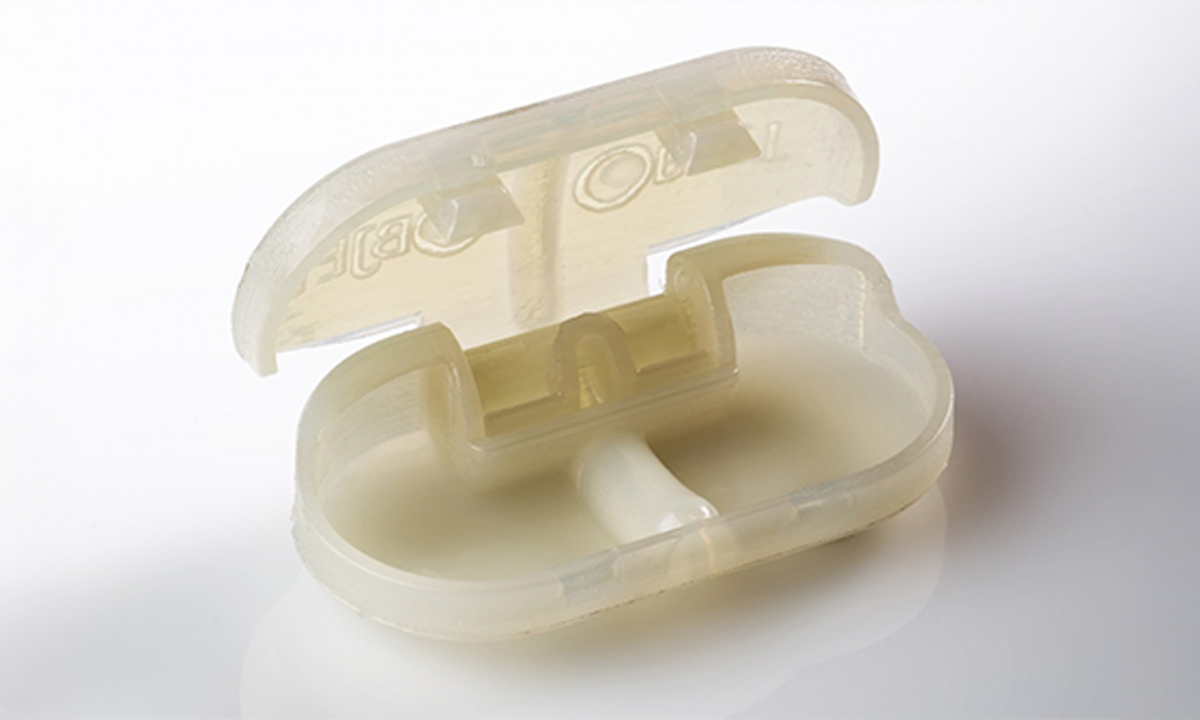
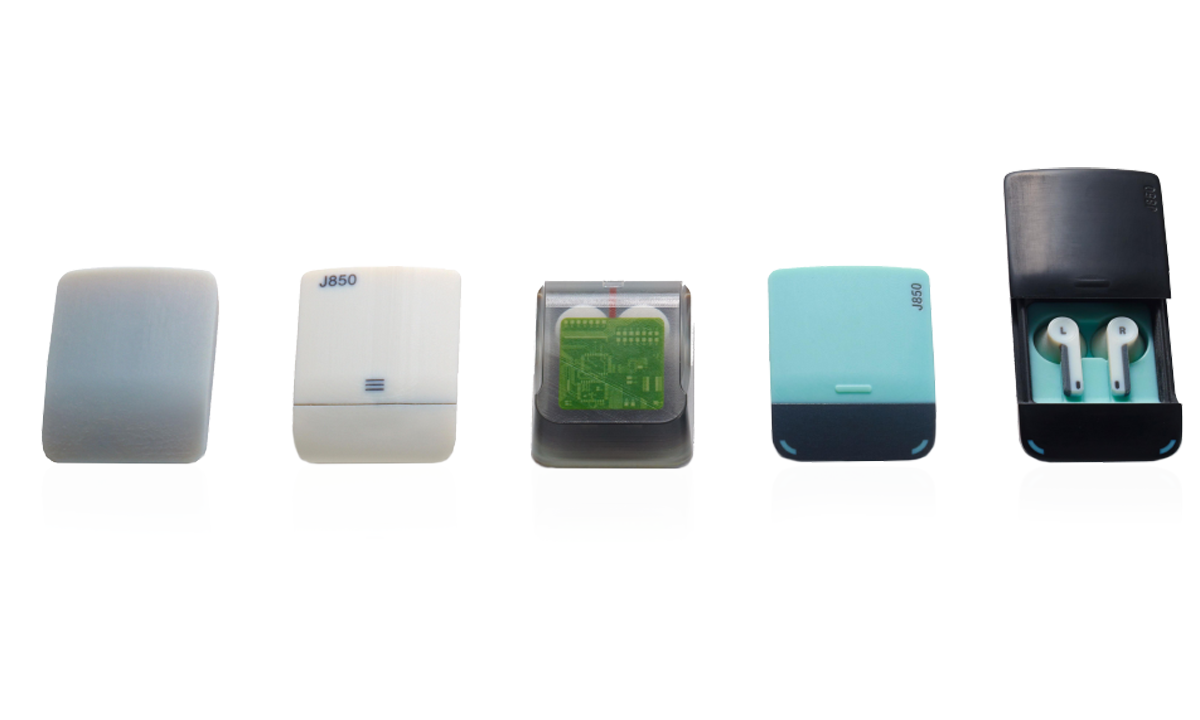
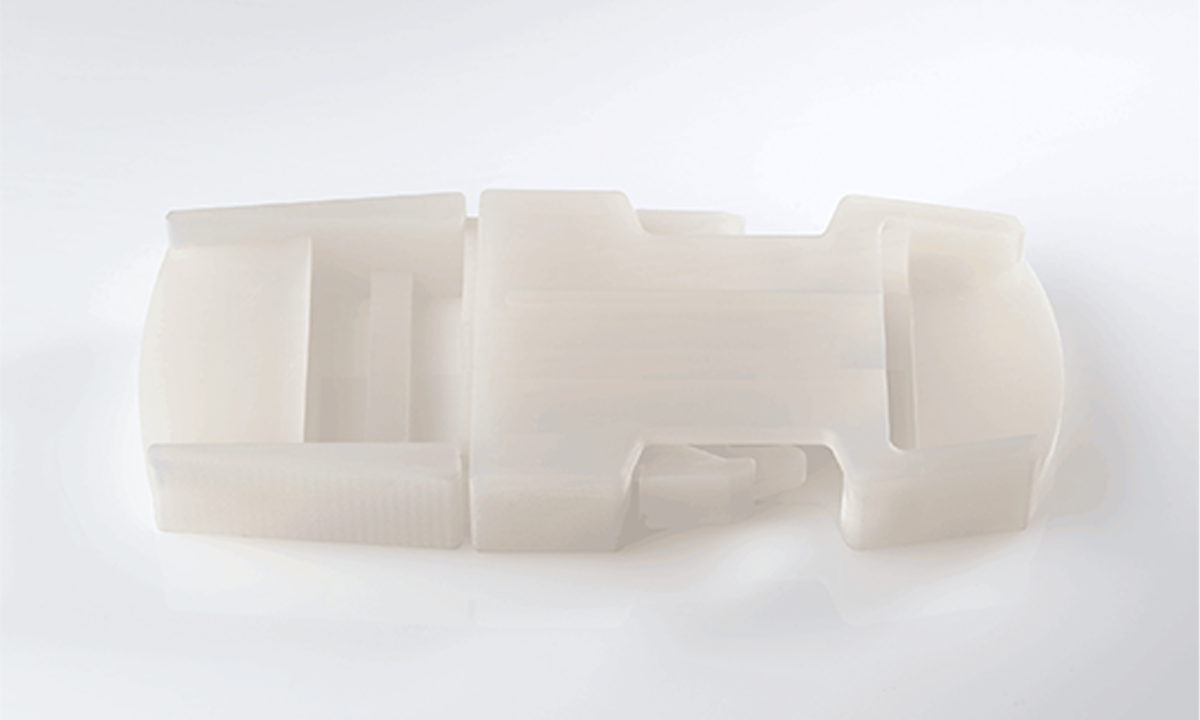
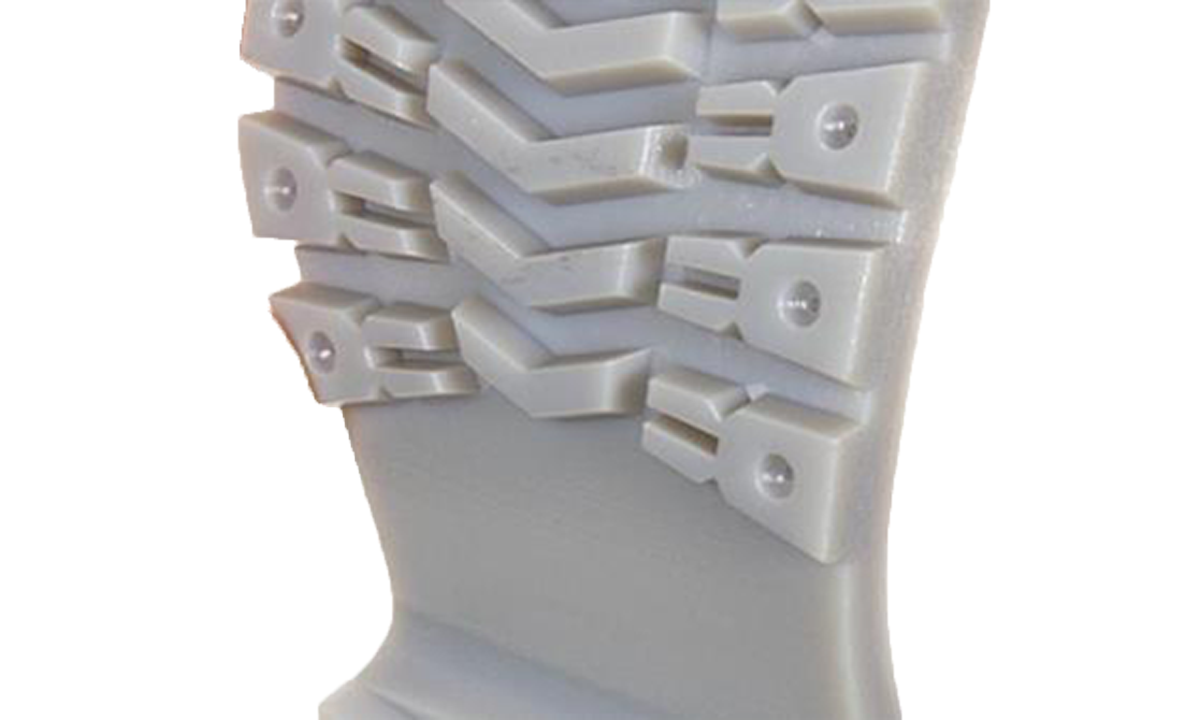
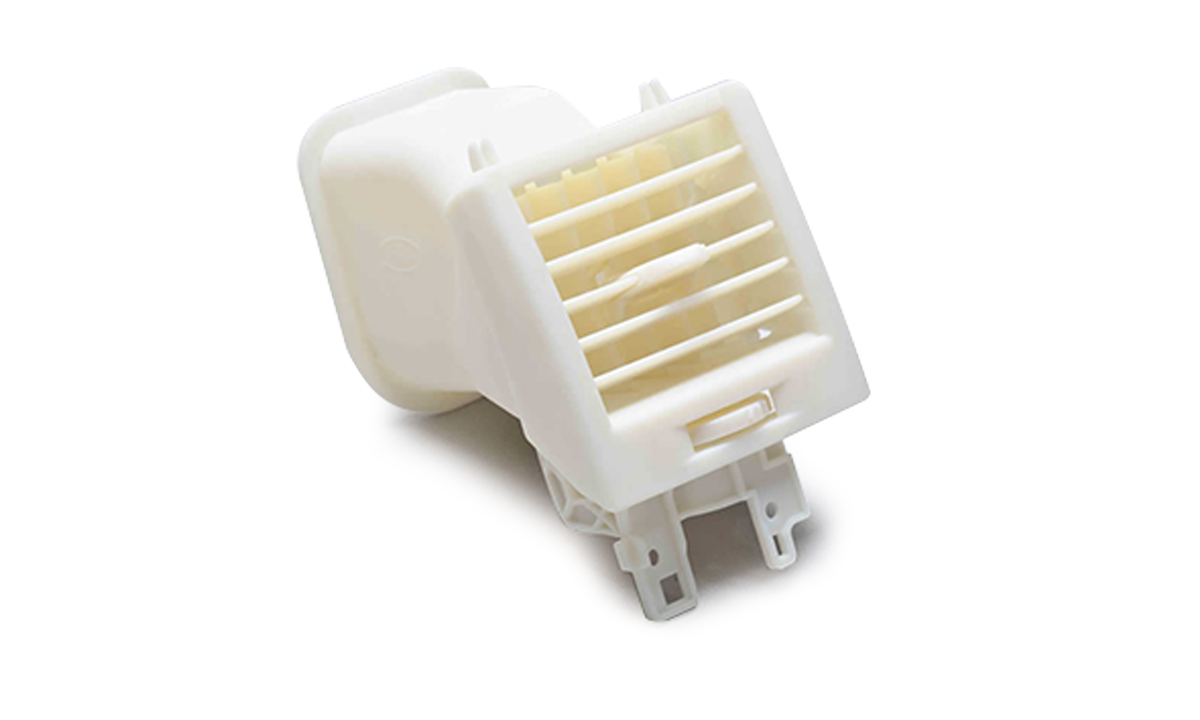
The Stratasys J35 Pro printer will meet these demands as a reliable solution from a market-leading manufacturer. It can print functional prototypes, injection mold inserts for up to 30-150 cycles, equipment housings and final components. It will prove itself where parameters such as flexibility or multi-materiality are important.
The J35 Pro is used by industries such as industrial design offices for rapid prototyping and high-quality end products. The J35 Pro printer will also find use in secondary and higher education.


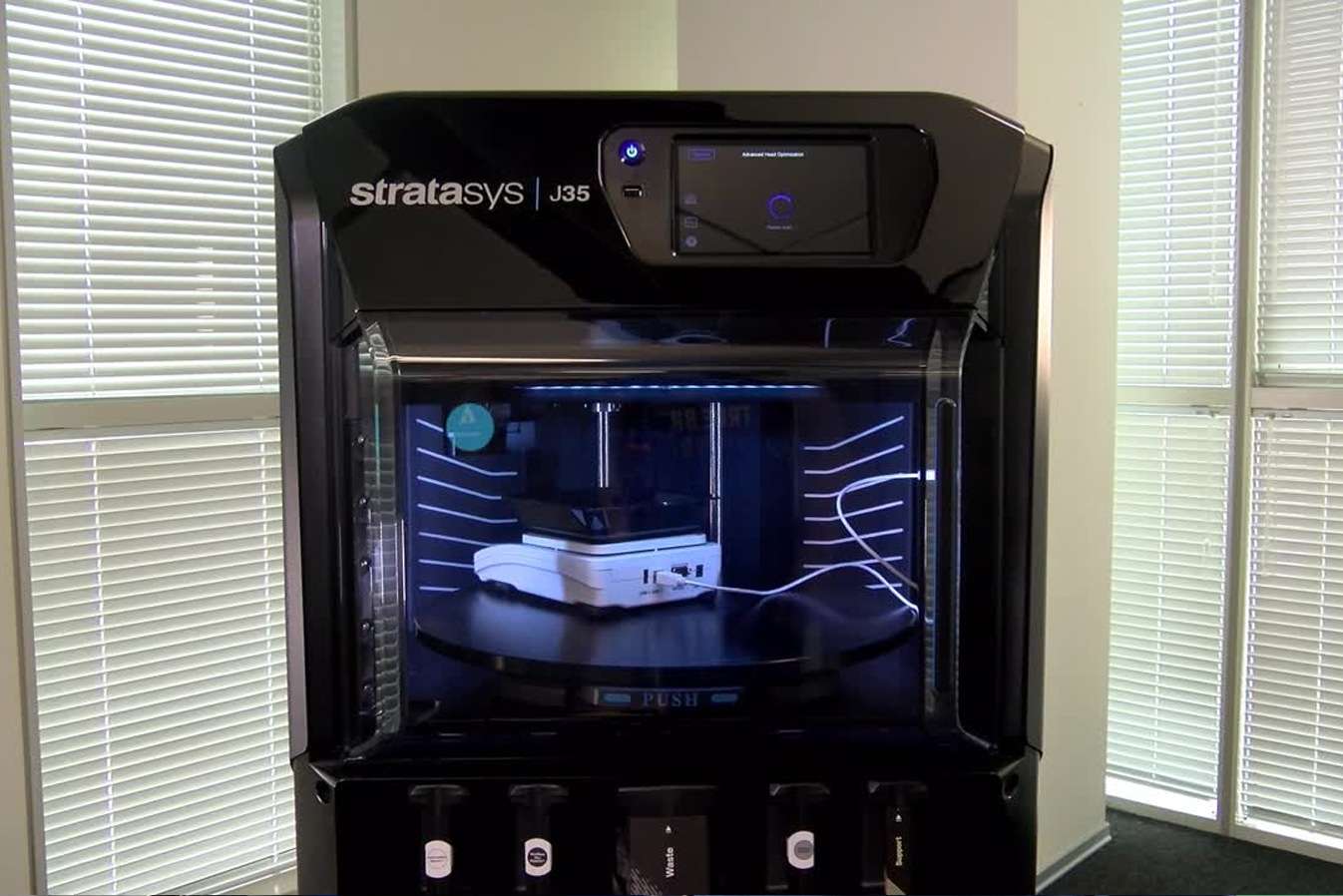
Well-adapted to the office space – quiet, odorless operation
High accuracy of prints – low layer at 18 microns
Availability of complex geometry – ease of creating models
High surface smoothness
Closed system of materials – ready print settings in GrabCAD software
Water-soluble support materials under pressure – easy post-processing
Remote print supervision
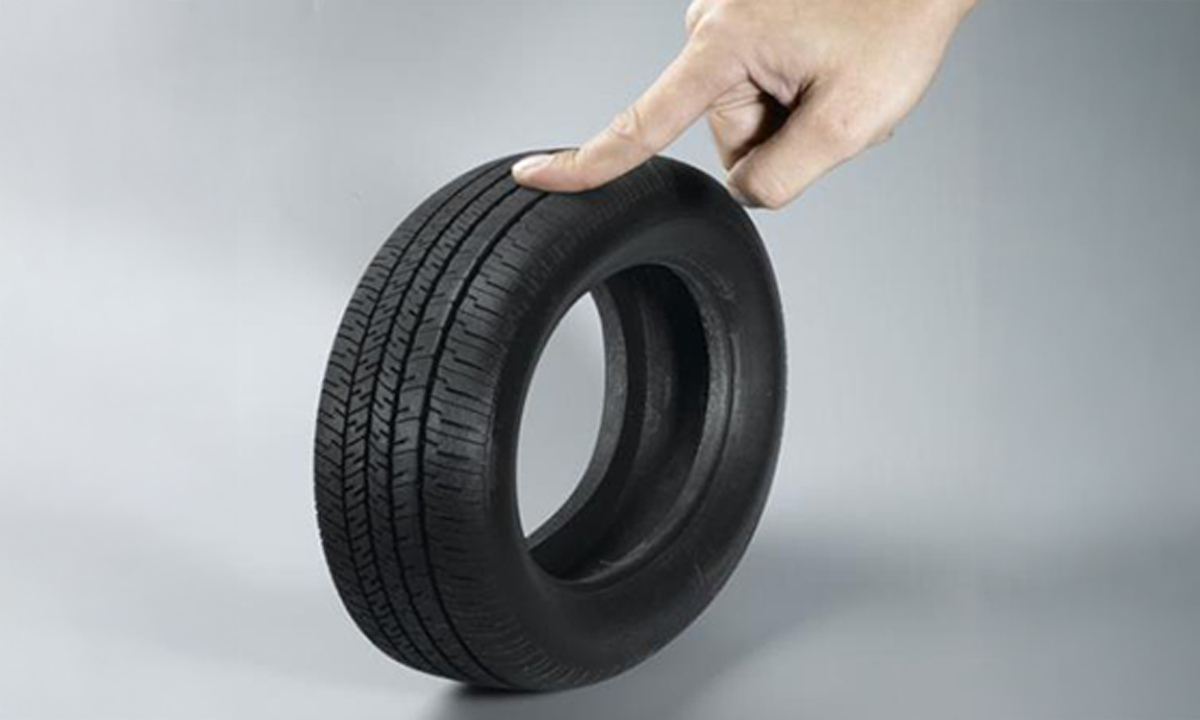
PolyJet is a unique technology from Stratasys that allows you to combine multiple materials in a single print. In the J35 Pro printer, you will combine 3 build materials and 1 support material. All of them can have different flexibility and different shades of gray (and Magenta).
You know the properties of the materials right from the start – they are described in detail in the material sheets. J-series printers have solutions that ensure flexible and biocompatible prints.
Worried about the complexity of the 3D printing process? When working with J3 DentaJet, you will benefit from a clear interface, short training and intuitive GrabCAD software.
When investing money in a machine, you may want to be sure that any repair will take place at an authorized service center. At CadXpert, we offer products from well-known, stable and proven 3D printing companies. We are in touch with the manufacturer and make repairs using authorized parts and methods.
Yes, we won’t leave you alone. Along with each printer, we offer training for employees on how to use the device.
What will you gain by implementing J35 Pro in your company?
PolyJet technology is a unique patent from Stratasys and thus printing speeds are hard to compare. PolyJet in the dental edition is the perfect ratio of speed to precision. Print without worrying about wasted time!
We know that our customers need reliable 3D printing information and printer comparisons in their purchases. When it comes to making a substantive case for a purchase, breadth and precision of insight is important.
With this in mind, we created “3D Printer Comparison. A Universal User’s Guide.”
Our guide will help you in the decision-making process. It’s a useful resource that you’ll be able to present to a board of directors or before a purchasing committee. It helps you evaluate technologies and 3D printers against a number of useful criteria.
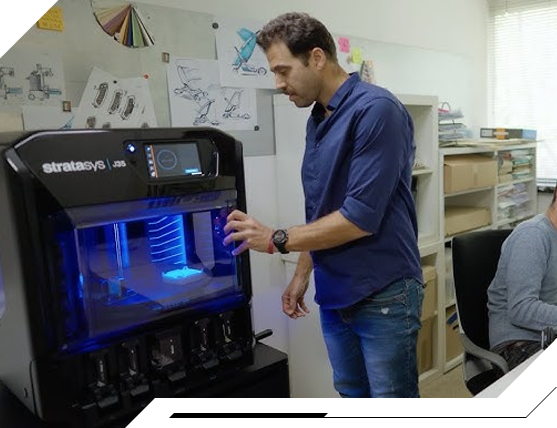
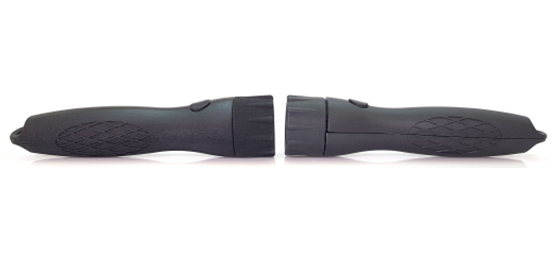
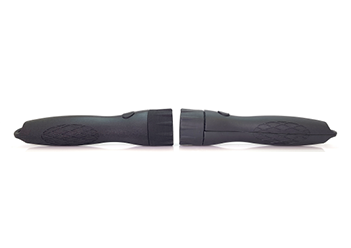
Using J35 can shorten the workflow relative to other incremental technologies. When printing with SLA or FDM technologies, the print has to undergo lengthy post-processing to achieve the desired parameters. The smooth surface and multi-material nature of PolyJet technology will allow the final parameters to be obtained in the print itself.
We compare the printer’s and modeler’s time for SLA printing of a flashlight prototype (4 materials) and the time for a finished PolyJet print on J35. The same final quality to obtain much faster!
To implement an in-house printer is to become independent of the supplies, logistics and deadlines of subcontractors. It is also worth including indirect benefits in the calculation of the investment.
Do you aim to get into 3D printing on an industrial level and need financing for selected solutions? At the same time you may not want to lock up full amounts of your own funds. At CadXpert, we support you from the beginning of your journey and enable you to take advantage of leasing our equipment.


We work with several partners to obtain financing for your projects. We will show you where you can go to find support and get funding with simplified procedures and maximum customer care. We will help you buy and implement very quickly.


Leasing is the optimal solution for businesses. With no one-time investment, the device works for you from the beginning and you can treat the installments as a tax-deductible expense.
At CadXpert, certified engineers provide warranty care for the equipment. There is no need to use foreign, non-responsive service centers.
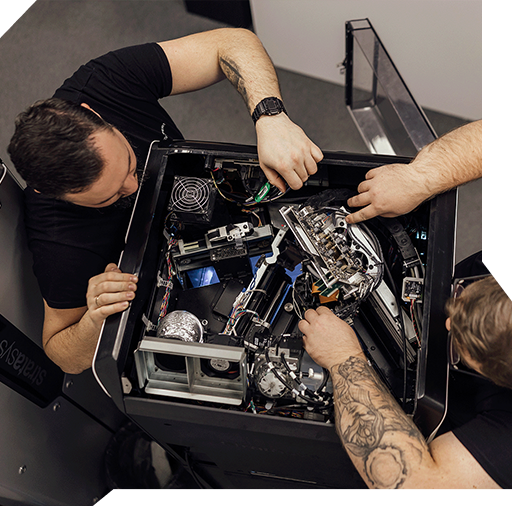


You will be able to get in touch at any time about the operation of the device and get the missing information.
Our implementation consultants, as part of the initial application audit, will help you find additional applications for your printer so that you can realize the full potential of the device.
We will send a consultant to your shop floor or lab to review possible 3D printing applications and conduct an application analysis for your specific printer.
Download the detailed technical specifications of the Stratasys J35 Pro printer.
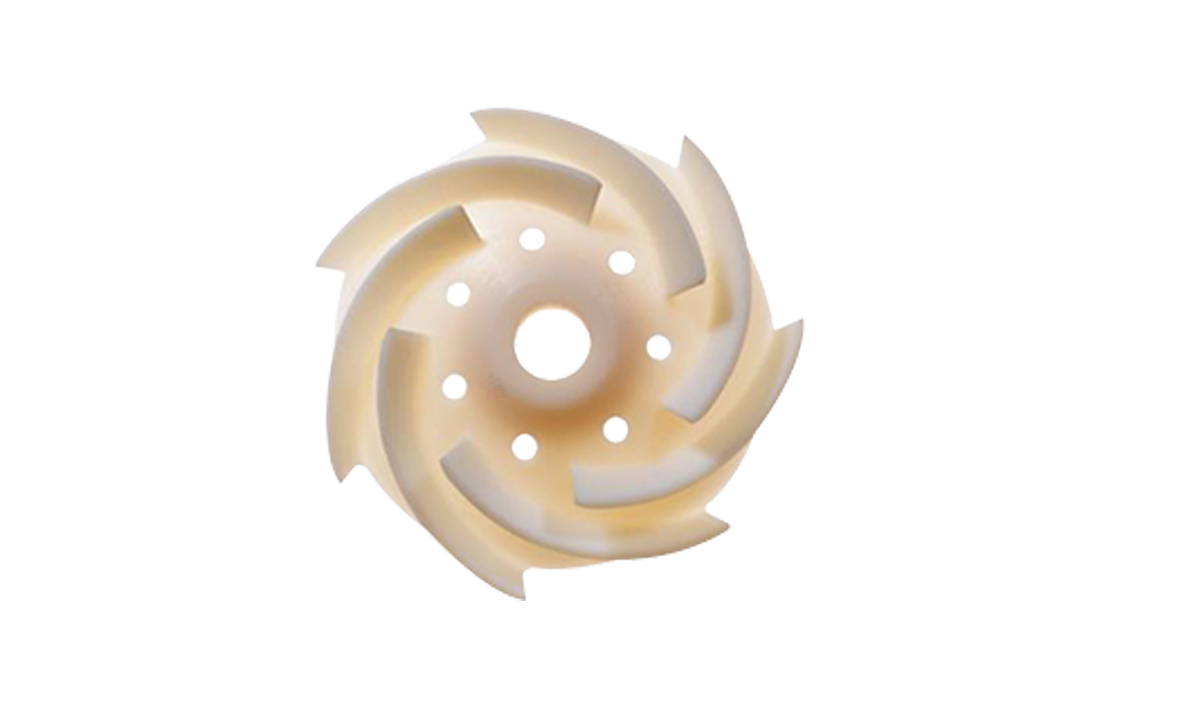
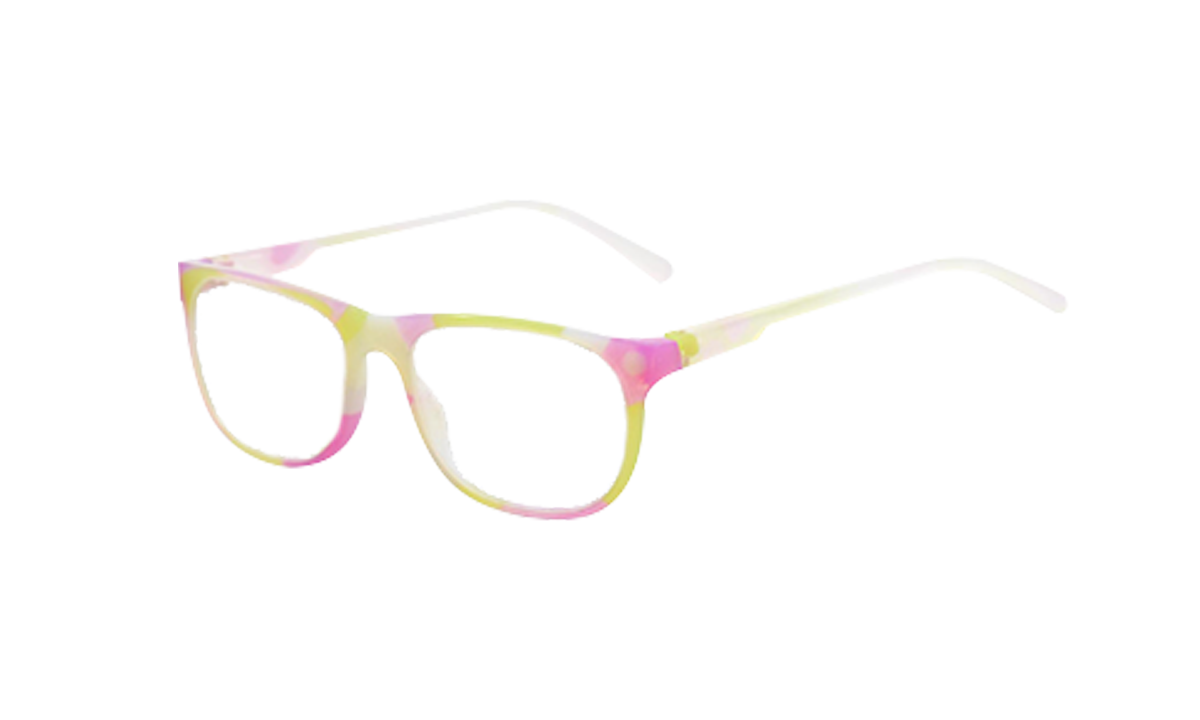
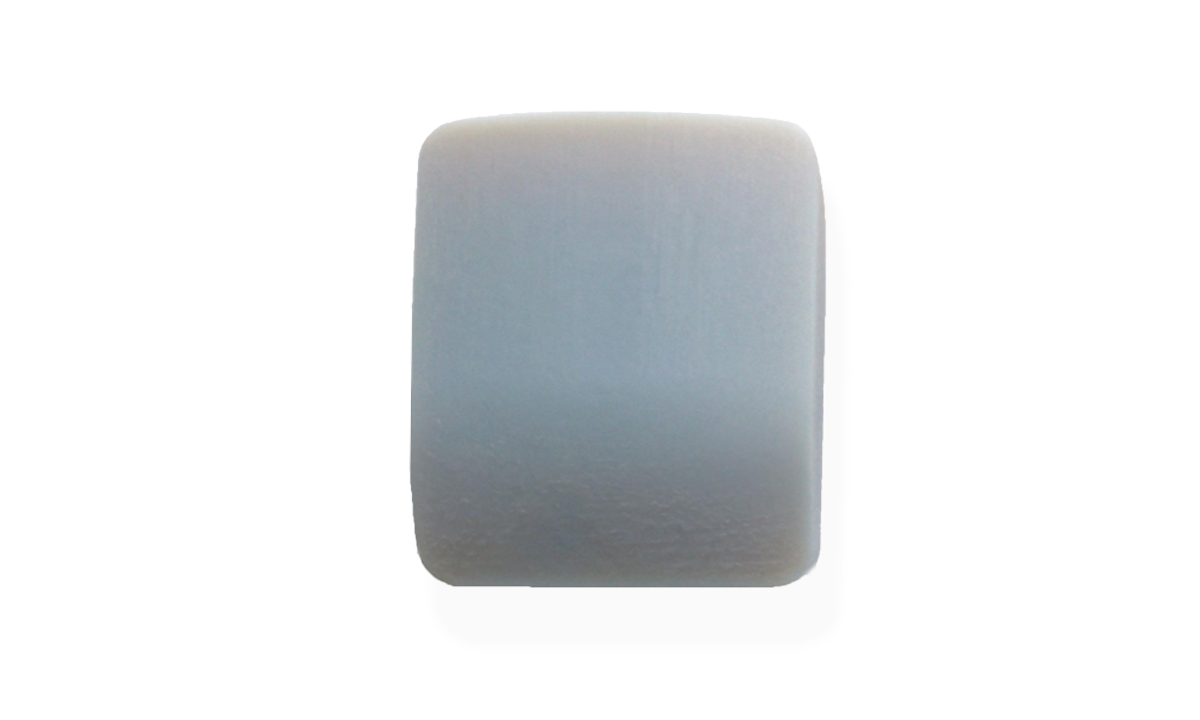
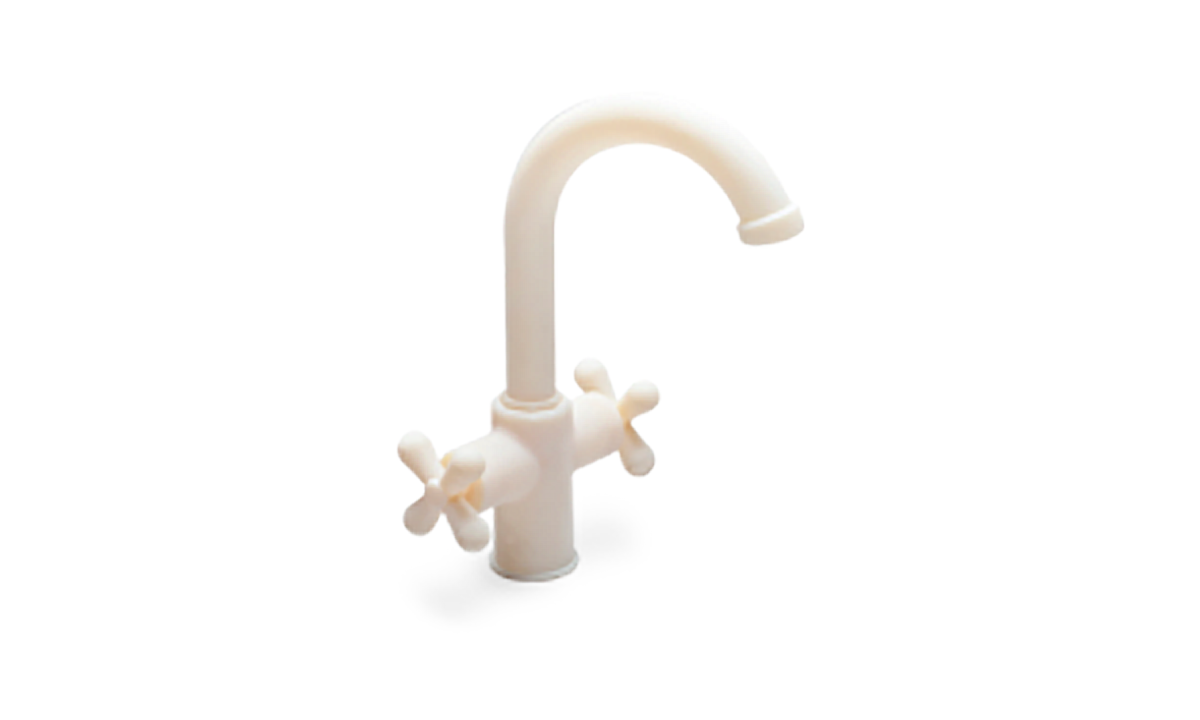
For the J35 Pro printer, Stratasys has prepared materials for use with PolyJet technology. Here are some examples:
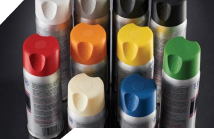
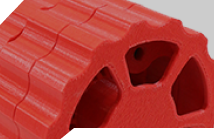
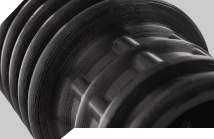
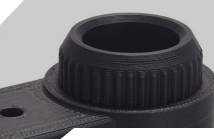
For a full list of materials available for the J35 Pro printer, see the technical specifications.
Stratasys J-series printers do not need special rooms. You don’t need to create additional ventilation ducts or build exhaust hoods. This is equipment that will work in any production space.





Learn about GrabCAD Print software.
Prepare and optimize your design for perfect printing.
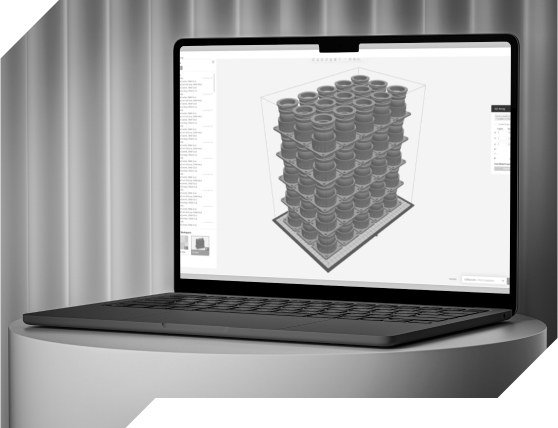
Fill out the form and you will automatically receive a link to download the full version of GrabCAD software from Stratasys.
GrabCAD software and updates are free. Stratasys includes them with every 3D printer model.
We will start with a thorough understanding of your problem related to the manufacturing process of each component. We will consider their characteristics and applications.
We will select the right technology, materials and offer the right printer.
We will prepare a return on investment calculation regarding your planned prints.
We will print a proof for you to see if the solution is suitable for your applications.
We will prepare a price and time estimate according to the established guidelines.
If you accept all the components of the offer, we will proceed with the order.
We will arrange for the installation of the printer at your site and provide training to your employees on the operation of the device.

Your project will be the responsibility of one specific person who will be available to you at every stage of implementation.
If you are thinking about using 3D printing and want to learn more and count the return on investment, talk to our 3D printing consultant.
As part of the conversation, the consultant:
In furtherance of our cooperation:
Do you have a specific problem or challenge that 3D printing could solve?
What size parts do you want to print? The most common prints are important, as they are the ones worth investing in 3D printers for.
What is more important to you aesthetics or the durability of the print? This will help us determine the right printing technology.
Is the print to meet any additional requirements? E.g. chemical resistance, heat resistance, biocompatibility certificate, pressure maintenance, low weight, handling of very heavy loads, abrasion resistance, good sliding properties, etc.


If you prefer a direct form of communication, below you will find
our phone and email contact.
Implementations: +48 577 127 775
Ordering materials: +48 733 501 666
3D printing services: +48 666 682 400
info@druk3d.cx
zamowienia@druk3d.cx
uslugi@druk3d.cx
Still wondering? We hope this list of frequently asked questions will help answer some of your doubts.
Stratasys J-series printers have a high printing accuracy of +/- 0.1 – 0.3 mm. These are sufficient parameters for most industrial design cases.
In the Stratasys J-series printers on offer, the layer can go as low as 18 microns.
NO. The GrabCAD software that comes with the printers is at no extra charge. Also, updates remain free of charge.
NO. Stratasys printers are equipped with carbon filters to protect the production chamber and do not require additional ventilation hoods.
Files can be transferred to Stratasys printers via LAN, but also wirelessly and with flash drives. The operator does not need to be in the same room as the printer.
NO. Stratasys printers have an excellent learning curve and can be operated by pre-trained personnel.
YES. We provide initial operational training for all Stratasys printers purchased.
Stratasys’ team of certified experts is available from 8 a.m. to 5 p.m. There is no limited support at CadXpert – you can always call and get technical assistance for your printer.