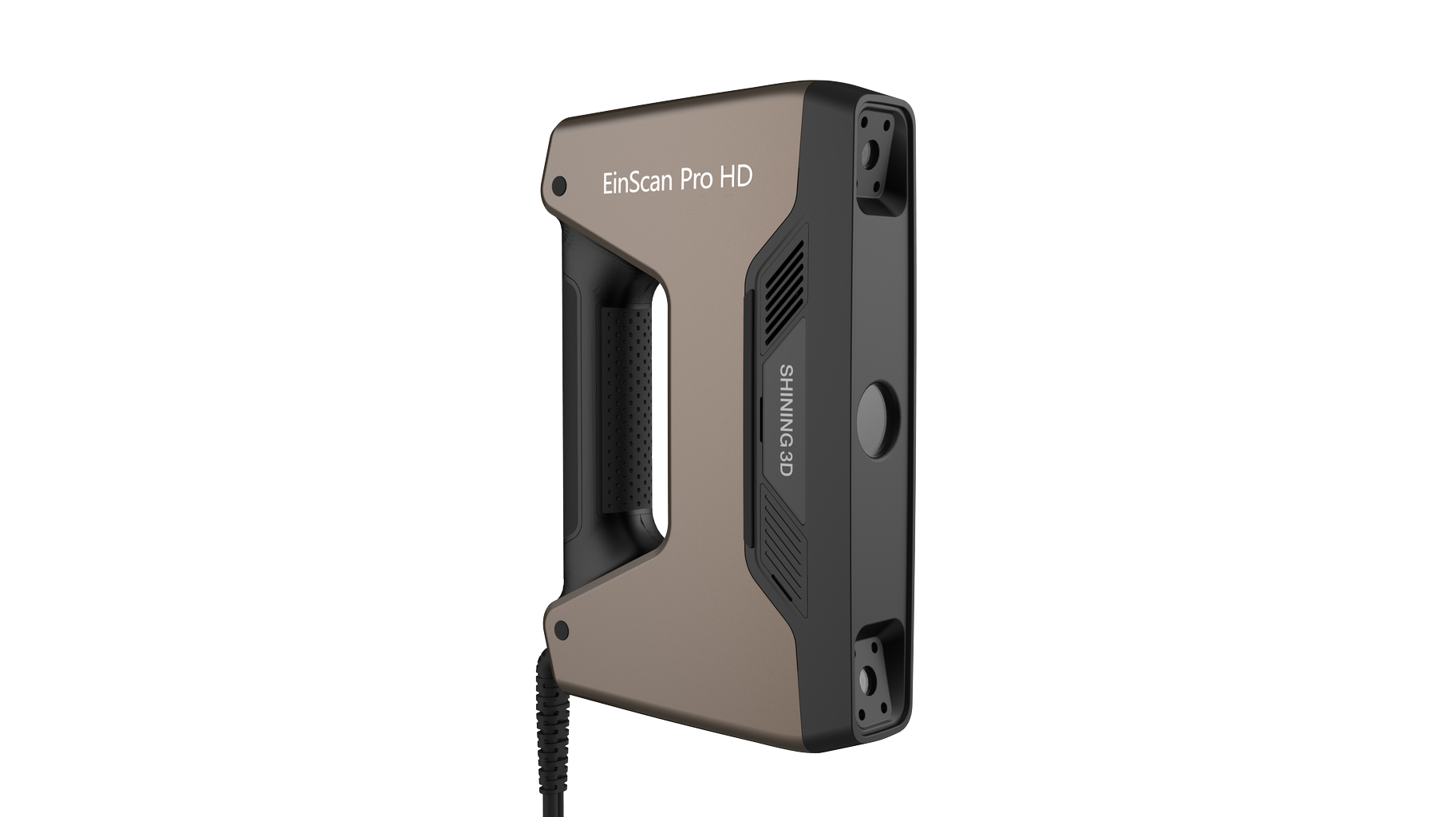
EinScan Pro HD 3D Scanner

Multifunctional 3D scanner for desktop and handheld scanning


Scanning accuracy
up to 0.04 mm
Scanning speed
up to 3,000,000 pts/sec

Special feature
3 scanning modes

What are the uses of the scanner and in what industry will it work?

For whom?

EinScan Pro HD is a reliable digitizing tool designed for designers and engineers who insist on high quality 3D scanning and modeling. It is perfect for industry, art or education.


Why Shining 3D EinScan Pro HD?

  • Modular design
  • Capable of handheld and stationary 3D scanning
  • Intuitive EXScan Pro software
  • 3D scanning in color (additional camera)
  • Compact size and low weight

What benefits and key advantages does the scanner bring?

01
Produce high-quality 3D scans more efficiently.

EinScan Pro HD is the next generation of portable 3D scanners, incorporating the latest technology based on feedback from thousands of users and valuable input from SHINING 3D’s R&D team. With improved speed and accuracy, this portable and versatile scanner will significantly improve the efficiency and quality of 3D modeling.

02
Versatile scanning and matching modes

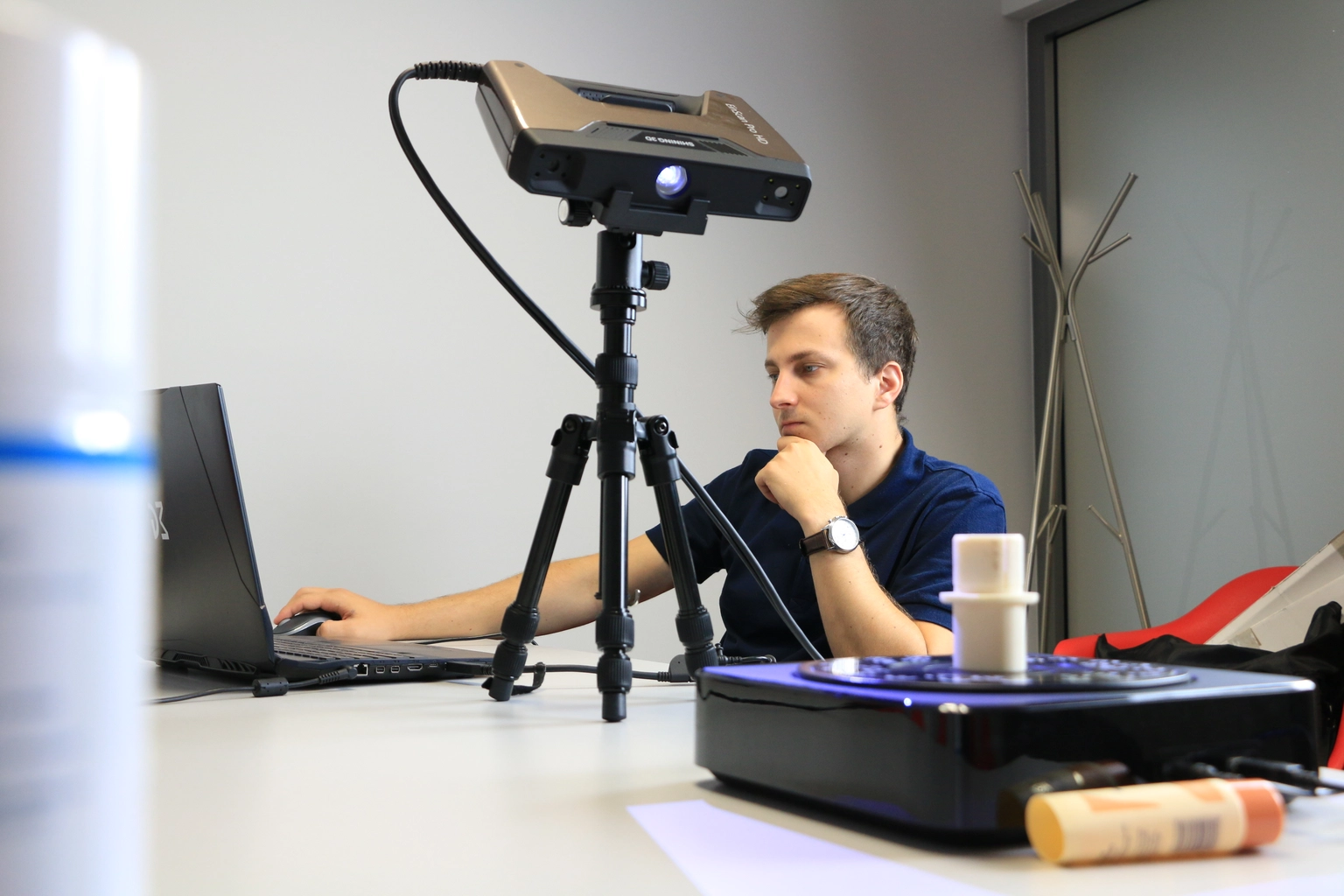
Available scanning modes include two manual modes: high-speed scanning and HD scanning, and stationary scanning with or without a turntable, you decide for yourself what will be most beneficial for you. In addition, a number of scan adjustment modes are available, including: using geometry, using markers or texture, and using coded markers on the turntable, manual and using the global marker system.

03
Modular design

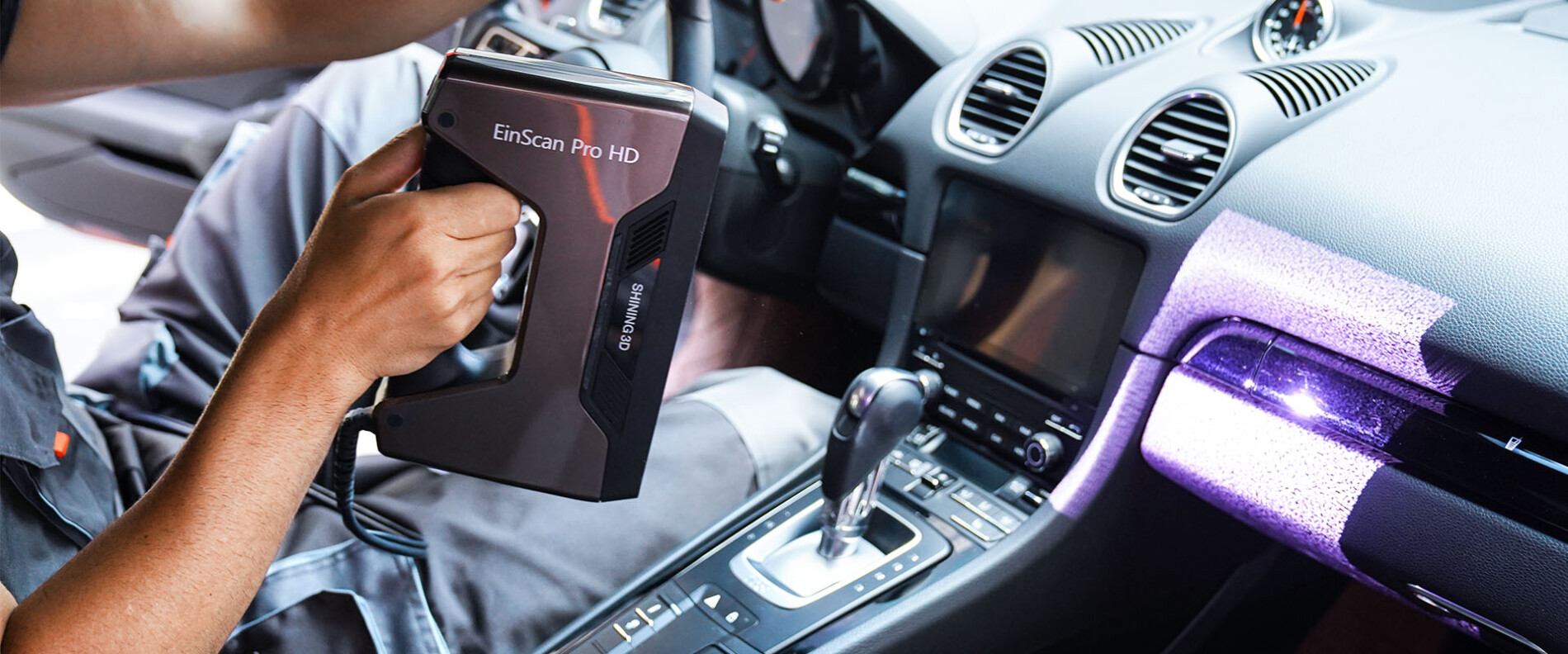
EinScan Pro HD can easily scan objects of various sizes. Whether you need to scan a car door or the details of small industrial components, the EinScan Pro HD provides precision and efficiency for a variety of applications. Additional modules, such as a color scanning camera and an industrial package, are optional add-ons to the EinScan Pro HD, offering additional 3D scanning capabilities and applications.

04
Color scanning camera

Enables EinScan Pro HD to scan object geometry in full color.

05
Industrial package

Enables EinScan Pro HD to perform stationary 3D scans using an automated rotary table to increase accuracy and resolution.

06
Texture Mapper Lite

Download the free Texture Mapper Lite software to combine a 3D scan and photos taken with a digital camera to create a color photorealistic 3D model.

07
EXScan Pro: powerful and intuitive software

The EinScan Pro HD comes with EXScan Pro software, making scanning as easy and user-friendly as possible for both beginners and experienced users. It offers a set of useful functions in desktop and manual modes, as well as when editing 3D scans.

08
Desktop scanning

– One-click scanning
– Background clipping
– Real-time marker recognition

09
Manual scanning

– Automatic cutting plane
– Edit markers/point clouds
– Variable resolution
– Scroll back scan
– Data quality indicator

10
User-friendly editing

Filling holes
– Mirror
– Scaling
– Moving an object
– Quick adjustment
– Measuring markers/point clouds/grid
– Various types of data display

11
Integration with multiple software platforms

EXScan Pro software is currently integrated with five third-party programs: Geomagic Control X, Geomagic Design X, Geomagic Essentials, QuickSurface and VeriSurf. This integration increases the ease and convenience of post-processing data.
You can also switch to Texture Mapper Lite directly in EXScan Pro to edit textures and make them more realistic and accurate.

12
Reverse engineering

EinScan Pro HD provides high accuracy scanning in stationary mode, where a single scan can reach an accuracy of up to 0.04 mm. With high quality data, the reverse engineering process becomes extremely easy.

13
Art and heritage

EinScan Pro HD makes it easy to digitize artifacts, sculptures and works of art. Using the optional color scanning add-on, you can get realistic 3D models in full color and rich detail.

14
Education and research

Whether it’s scanning anatomical models, working on DIY projects or exploring the world of dinosaurs from the Jurassic era, EinScan Pro HD is ready to support the educational process.

15
Virtual gallery

Using EinScan Pro HD, you can effectively create detailed and lifelike digital replicas. Use your 3D models for special effects, e-commerce, video game development and more.

Won’t the process of implementing 3D scanning technology be too complicated?

At CadXpert, we not only offer 3D scanners, but also provide comprehensive support in the implementation process. Our team is here to help at every stage. We help individuals and companies realize the full potential of 3D scanning. With our consultants, the implementation of 3D scanning technology will be easier and more effective, regardless of the industry or size of the company.

Business benefits

What do you gain by implementing Shining 3D EinsScan Pro HD in your company?

Introducing 3D scanning to your company will improve the efficiency of your manufacturing and maintenance processes. You will receive accurate 3D models in a short period of time, reducing the time it takes to design, prototype and reach the market.

In addition, 3D scanning will allow you to precisely control the quality of your products. You will eliminate errors at the preliminary design stage and ensure higher precision and standardization in production.

With the ability to quickly create object reconstructions and access measurement data digitally, analyzing and improving production processes will be easier and take less time and resources.

Scanning technology

With this in mind, we have created 2 introductory ebooks on 3D scanning

Ebook
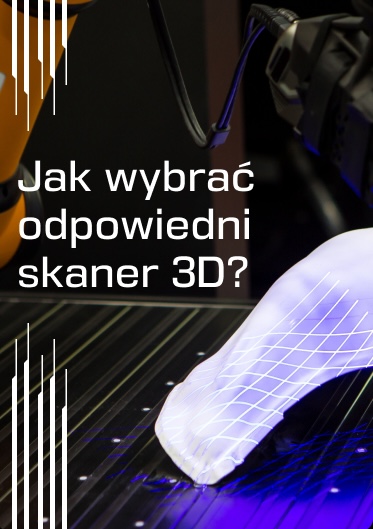
How to choose the right 3D scanner?
What do I find in the guide?
  • You will learn how 3D scanning technologies work
  • You will learn how to select a scanner for the object
  • You will learn about the resolution, accuracy and speed of 3D scanning
Ebook
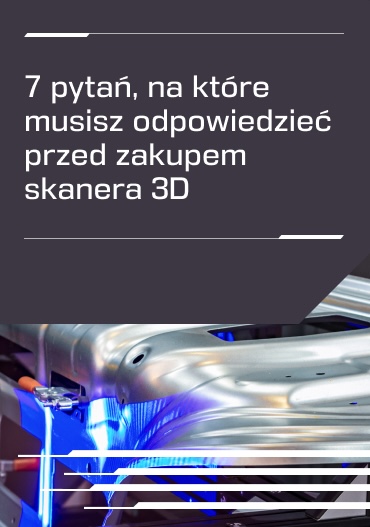
7 questions you need to answer before buying a 3D scanner
What do I find in the guide?
  • Explanations about the importance of 3D scanner accuracy
  • Tips on selecting a scanner relative to the size of the items to be scanned
  • Information about the software that 3D scanners work with
  • Assist in budgeting for 3D scanners

Our guides will help you in the decision-making process and direct you in choosing solutions.

These are useful materials that you will be able to present at a board meeting or before a purchasing committee. They inform you about technologies, include comparisons and explain a range of technical issues.

    Technical parameters of the scanner

    Learn about the detailed technical specifications of the Shining 3D EinScan Pro HD scanner

    Scanning accuracy
    Up to 0.04 mm (stationary mode); up to 0.045 mm (manual mode)
    Scan settlement
    0.2 – 3 mm (manual mode); 0.24 mm (stationary mode)
    Working distance
    510 mm
    Distance from the object being scanned
    290 ~ 480 mm
    Scanning speed
    3,000,000 pts/s (HD manual mode); 1,500,000 pts/s (high-speed manual mode)
    Color scan
    Yes (with add-on: Color Pack)
    Max. scanning area
    310 mm x 240 mm
    Output formats
    STL, OBJ, ASC, PLY, 3MF, P3
    Connection standard
    USB 3.0
    Mass
    1.25 kg
    Recommended operating system
    Windows 10 and 11, 64 bit

    Learn more about the EinScan Pro HD scanner

    See EinScan Pro HD in action. We show you how to quickly and accurately scan a part with precise geometry.

    Consult your project

    1

    As part of the conversation our specialist:

    2

    In furtherance of our cooperation:

    What questions will help you assess your situation?

    1. 1

      What are the main goals and expectations of using a 3D scanner in your business?

    2. 2

      What is the anticipated size of the objects or items to be scanned?

    3. 3

      What are the expected parameters for scanning accuracy and precision?

    4. 4

      Is the 3D scanner to meet any additional requirements? E.g. 3D scanning in color, seamless digitizing of reflective elements, having relevant certifications, working in harsh environmental conditions, etc.

    5. 5

      Do you have a specific budget to purchase a 3D scanner?

    Submit the form, our consultant will contact you within 15 minutes.

    Konsultant duku 3D

      Direct contact

      Frequently asked questions

      Still wondering? We hope this list of frequently asked questions will help answer some of your doubts.

      Most Shining 3D scanners are designed to be easy to operate, even for those with no prior experience. For the most technically advanced models, we offer specialized training in their operation to ensure you get the most out of these devices.

      The field of 3D scanners uses a variety of technologies, the most common of which are 3D laser scanners, 3D structured light scanners and 3D infrared light scanners. Recently, hybrid 3D scanners are also gaining popularity. They allow for the simultaneous use of multiple technologies, allowing for efficient processing of different types of objects.

      Yes, there are some limitations on the type of materials that can be scanned with 3D scanners. For example, some scanners may have difficulty accurately scanning very shiny or transparent materials. Most 3D scanners can be used to scan many different types of materials, including plastics, metals, wood, fabrics and others.

      • Scanning accuracy: Make sure the scanner offers enough accuracy for your needs.
      • Scanning range: Check whether the scanner can scan objects of different sizes and shapes.
      • Scanning speed: Make sure your scanner offers the right scanning speed for fast and efficient data collection to increase productivity.
      • Portability: Consider whether you need a portable or desktop scanner.
      • Compatibility: Make sure the scanner is compatible with other tools and systems used in your company.
      Poradnik druku 3D

      Read more about 3D scanners

      Take a look at our knowledge base to learn more about 3D scanning and its practical applications.

      Learn about our case studies